How to delete a Git branch locally and remotely
The problem
A branch is finished and you want it gone. Git keeps two copies of it: one in your local repository and one on the remote (origin). Each copy needs its own command.
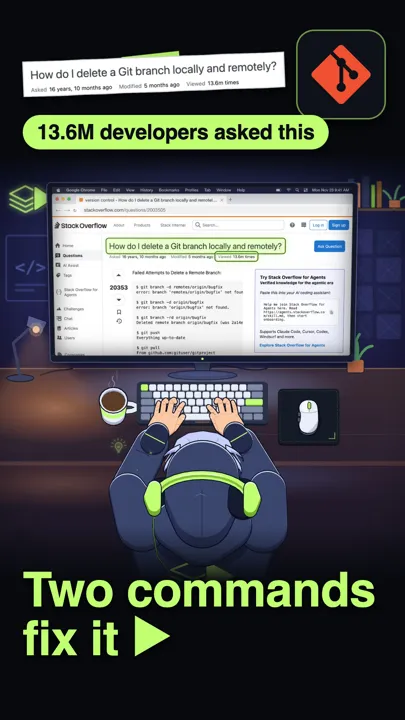
Asked on Stack Overflow: How do I delete a Git branch locally and remotely? (13,585,984 views as of Nov 23, 2026)
Solution
git branch -a
# delete locally (-D to force)
git branch -d feature/login
# delete on the remote
git push origin --delete feature/login
git branch -a
One command for your copy, one for the remote.
Step by step
- See both copies.
git branch -alists the branch here and onorigin. - Delete it locally.
git branch -d feature/logindeletes your copy. Not merged yet? Capital-Dforces it. - Delete it on the remote.
git push origin --delete feature/loginremoves the copy on the remote. - Check. Run
git branch -aagain: the branch is gone from both.
What it looks like in a real run
$ git branch -a
  feature/login
* main
  remotes/origin/HEAD -> origin/main
  remotes/origin/feature/login
  remotes/origin/main
# delete locally (-D to force)
$ git branch -d feature/login
Deleted branch feature/login (was 1f746ef).
# delete on the remote
$ git push origin --delete feature/login
To ../origin.git
 - [deleted]         feature/login
$ git branch -a
* main
  remotes/origin/HEAD -> origin/main
  remotes/origin/main
Heads-up
-D deletes the branch even if it is not merged, so check git log first. Teammates still see the old branch until they run git fetch --prune.
Errors this fixes
You see it after git branch -d feature/login. The branch has commits that are not merged into your current branch, so -d refuses to delete it. Older Git versions print it as The branch 'feature/login' is not fully merged.
Fix: Check the commits with git log. If you do not need them, force the delete with capital git branch -D feature/login.
You see it after git push origin --delete feature/login. The branch is already gone from the remote (often a teammate deleted it), but your copy of the remote branch list is out of date.
Fix: Run git fetch --prune to drop the stale remote-tracking branch, then git branch -a to check.