How to remove a specific item from a JavaScript array
The problem
You have an array such as [2, 5, 9] and want to remove one specific value (the 5), either from the array itself or in a new copy.
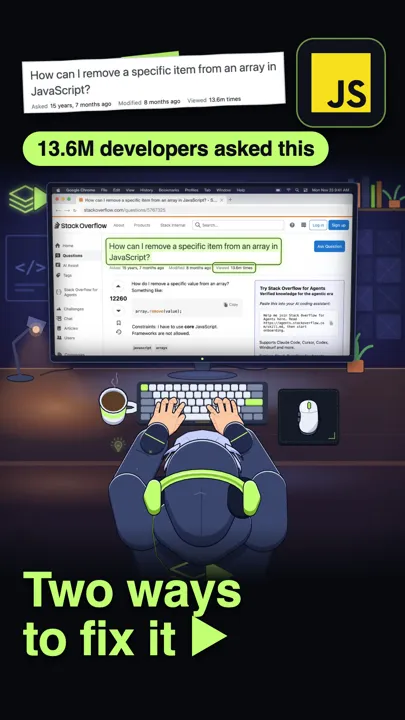
Asked on Stack Overflow: How can I remove a specific item from an array in JavaScript? (13,647,770 views as of Nov 23, 2026)
Solution
const a = [2, 5, 9]
// find it, remove it in place
a.indexOf(5)     // 1
a.splice(1, 1)   // a is [2, 9]
// or a new array without 5
[2, 5, 9].filter(function (x) { return x !== 5 })
// -1 means not found: check it,
// or splice(-1) drops the last item
Check for -1 before you splice.
Step by step
- Find the position.
a.indexOf(5)returns1: the five is at index one. - Remove it in place.
a.splice(1, 1)removes one item at that index and returns it. The array is now[2, 9]. - Or make a new array.
[2, 5, 9].filter(…)keeps every item that is not five: a new array without the five. The old one stays the same. - Check for -1.
a.indexOf(7)returns-1when the item is not there, andsplice(-1, 1)then removes the last item instead.
What it looks like in a real run
% node
Welcome to Node.js v22.11.0.
Type ".help" for more information.
> const a = [2, 5, 9]
undefined
// find the index of 5
> a.indexOf(5)
1
// remove 1 item at that index
> a.splice(1, 1)
[ 5 ]
> a
[ 2, 9 ]
// or keep a new array without 5
> [2, 5, 9].filter(x => x !== 5)
[ 2, 9 ]
// not found? indexOf gives -1
> a.indexOf(7)
-1
// splice(-1) drops the LAST item
> a.splice(-1, 1)
[ 9 ]
> a
[ 2 ]
Heads-up
indexOf returns -1 when the item is missing, and splice(-1, 1) then removes the last item. Check the index first: if (i !== -1) a.splice(i, 1).
Errors this fixes
You see it after const a = [2, 5, 9]; a = a.filter(x => x !== 5). filter returns a new array, and the result was assigned back to a variable declared with const.
Fix: Store the result in a new variable (const b = a.filter(…)), declare the array with let, or use splice to change the array in place.
You see it after const a = [2, 5, 9]; a.remove(5). JavaScript arrays have no remove method.
Fix: Use a.splice(a.indexOf(5), 1) (check for -1 first) or a.filter(x => x !== 5).